Simulations are where 3D shots most often go over budget. They are slow to iterate, hard to art-direct, and a setting that looks fine in preview can fall apart at final quality. These are the habits that keep smoke, fire, liquids and particle effects on schedule in our production work.
Work at real-world scale
Solvers are physics. Gravity, viscosity, buoyancy and collisions all assume the scene is in real units — a campfire modelled at the size of a building will rise and dissipate like one. Set the scene units first, build the effect at true scale, and only then adjust the look.
Iterate low, finish high
- Block out timing, shape and camera interaction at low resolution, where a simulation takes minutes rather than hours.
- Change one parameter at a time and keep notes — simulations are chaotic enough without guessing which change did what.
- Raise resolution only once the motion is approved. More resolution adds detail; it rarely fixes bad motion.
- Resolution also changes behaviour, so re-check timing after every step up.
Cache everything
Never render straight from a live simulation. Write the result to disk — OpenVDB for smoke and fire volumes, Alembic or the solver’s own format for particles and meshes — and render from the cache. Renders become repeatable, several shots or render nodes can share one simulation, and a crash two hours into a solve no longer costs the day.
Smoke and fire
- Voxel size drives detail and cost. Halving the voxel size multiplies memory roughly eightfold — and simulation time by at least as much.
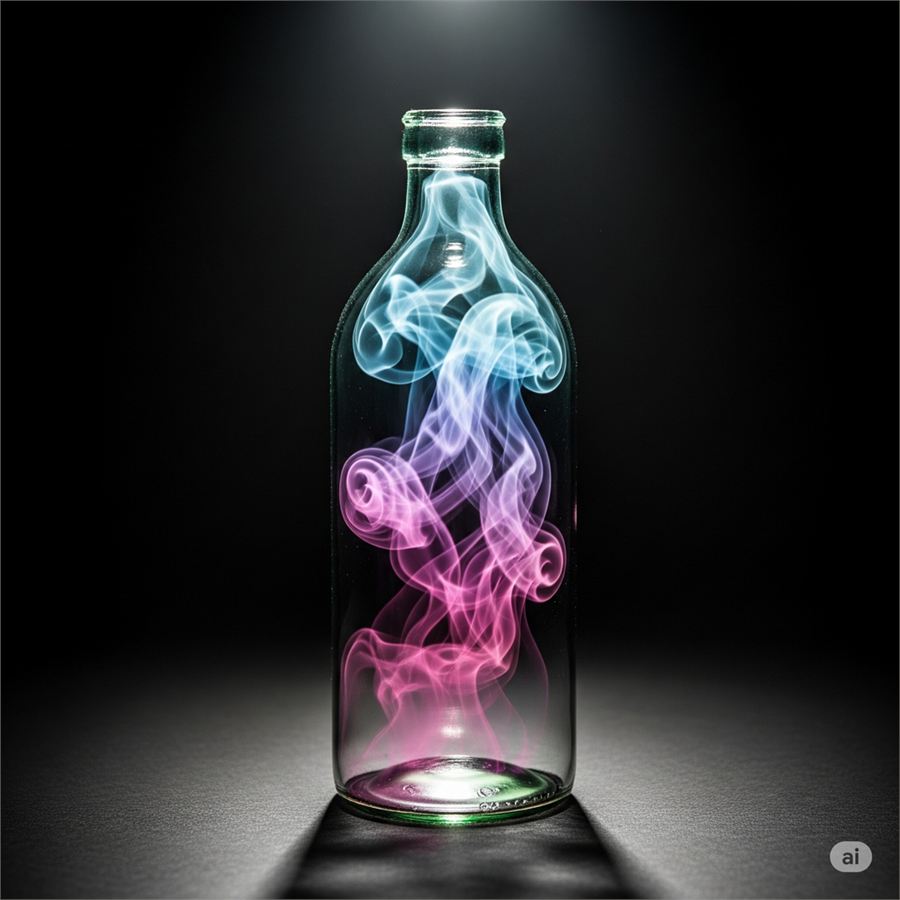
- Buoyancy, dissipation and turbulence shape the look. Too little dissipation gives muddy, heavy smoke; too much makes it vanish before it reads.
- Drive fire colour from temperature. A blackbody colour ramp mapped to temperature reads as real fire; flat orange emission doesn’t.
- Add small-scale noise last. Turbulence and vorticity add the curls that sell scale — add them after the large motion works.
Liquids
- FLIP solvers handle splashes and pours well; match the particle count to the resolution you will mesh at.
- Meshing settings decide the final look — too smooth loses droplets, too sharp looks noisy.
- Secondary elements such as spray, foam and bubbles are usually a separate pass, and they are what makes a liquid feel wet and energetic.
Particles for motion graphics
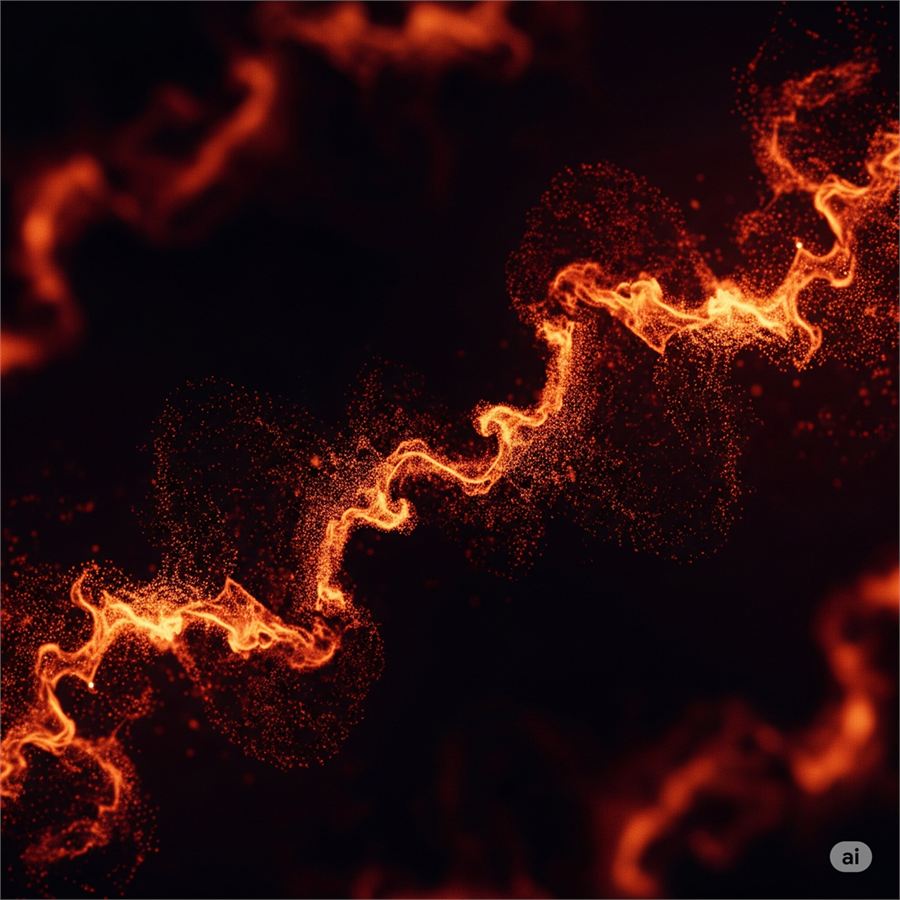
For abstract energy, sparks and dust, a particle system — X-Particles, tyFlow, Houdini or Blender — is faster to direct than a full fluid solve. Instance geometry on particles for debris, render points with motion blur for sparks, and use trails for energy streaks.
Rendering volumes
- Volumes are expensive: raise volume samples before global samples.
- Render separate passes — emission, density and beauty — so fire intensity and smoke density can be balanced in compositing without re-rendering.
- Be careful with denoisers on volumes; they can smear fine smoke detail. Compare against a clean, high-sample frame.
- Motion blur is not optional for fast effects. Without it, sparks and debris look like stop-motion.
Checklist before the final solve
- Real-world scale and units
- Motion approved at low resolution
- Caches written to disk
- Render passes planned for compositing
- Motion blur enabled
VFX and particle simulation — smoke, fire, fluids, cloth and rigid bodies — is one of 3Desite’s core services. See examples in the portfolio, start with the particle systems tutorial, or send us a brief.